

Your best leads are already in your DMs.
The problem is timing. People comment at 2am. They reply to a Story on a Sunday. You answer hours later, and the moment is gone.
ManyChat Instagram DM automation fixes that. It replies in seconds, sorts intent, and hands hot leads to a human. Speed wins here. Automated replies inside 60 seconds convert far better than slow ones (Source: ReplyRush, 2026 — replyrush.com).
This guide is a real setup walkthrough. You will connect your account, build a flow, add a keyword trigger, and stay inside Meta's rules. No fluff. Just the click-path.
Quick Facts: ManyChat Instagram DM Automation at a Glance
- Instagram DMs see roughly 85–90% open rates in 2026 — (Source: LeadResponse, 2026 — leadresponse.co).
- Hyper-targeted DM flows convert near 18%, versus under 5% for generic broadcasts — (Source: Communipass, 2026 — communipass.com).
- You can only message a user for 24 hours after their last action — (Source: KeyAPI, 2026 — keyapi.ai).
- ManyChat Pro starts near 39 dollars per month for up to 2,500 contacts — (Source: ReplyRush, 2026 — replyrush.com).
Why ManyChat for Instagram in the First Place?
DMs are a sales channel now. Not a side inbox.
Instagram rewards private interactions. Saves, shares, and DMs all signal intent. The platform sits at billions of monthly users, so the audience is there (Source: Sprout Social, 2026 — sproutsocial.com).
But manual replies do not scale. You sleep. Your audience does not.
ManyChat is an official Meta partner. It plugs into the approved Instagram API. That matters. Tools that skip the official API risk bans.
The payoff is response speed. Fast replies lift conversion hard. Automated answers within 60 seconds outperform slow ones by a wide margin (Source: ReplyRush, 2026 — replyrush.com).
There is a softer win too. Every reply captures a contact. That contact becomes a list you own. DM funnels turn one comment into a real lead record.
The channel math is hard to ignore. DMs open at roughly 85–90%, far above email (Source: LeadResponse, 2026 — leadresponse.co). Targeted flows convert near 18%, while broadcasts stay under 5% (Source: Communipass, 2026 — communipass.com). And DM selling keeps climbing as a channel into 2026 (Source: Jawab24, 2026 — jawab24.com).
So the upside is real. You just have to set it up right.
Q: Is ManyChat safe for my Instagram account?
A: Yes, when used right. ManyChat is an official Meta partner on the approved API. The risk comes from breaking Meta's rules, like cold-DMing strangers. Stay reactive and you stay safe.
Step 1: Prep Your Account and Connect ManyChat
Setup is fast. Prep makes it faster.
Get these four things ready first. They remove every common roadblock.
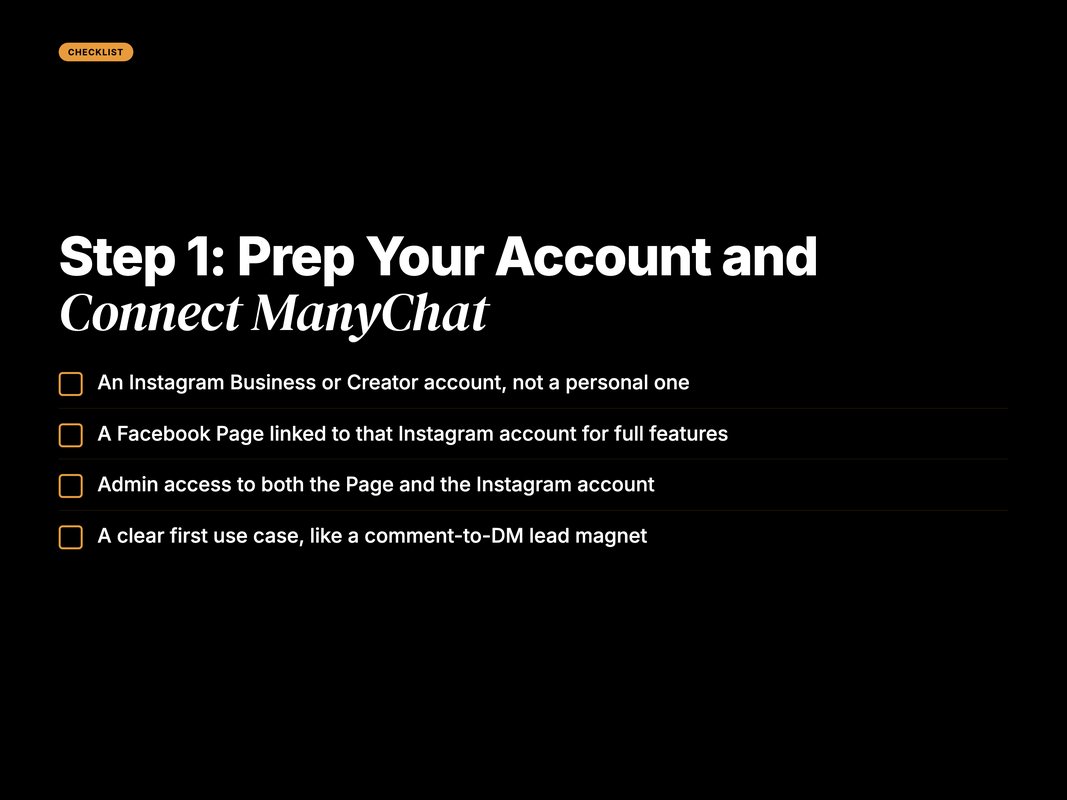
Pre-Setup Checklist.
- An Instagram Business or Creator account, not a personal one.
- A Facebook Page linked to that Instagram account for full features.
- Admin access to both the Page and the Instagram account.
- A clear first use case, like a comment-to-DM lead magnet.
A quick note on account types. ManyChat needs a professional account. A personal profile will not connect (Source: SetSmart, 2026 — setsmart.io).
You also need a real plan for the first flow. Do not automate everything on day one. Pick one job. Make it work. Then expand.
Now connect the account. It takes two to three minutes.
ManyChat gives you two connection paths. Pick the one that fits your needs (Source: SetSmart, 2026 — setsmart.io).
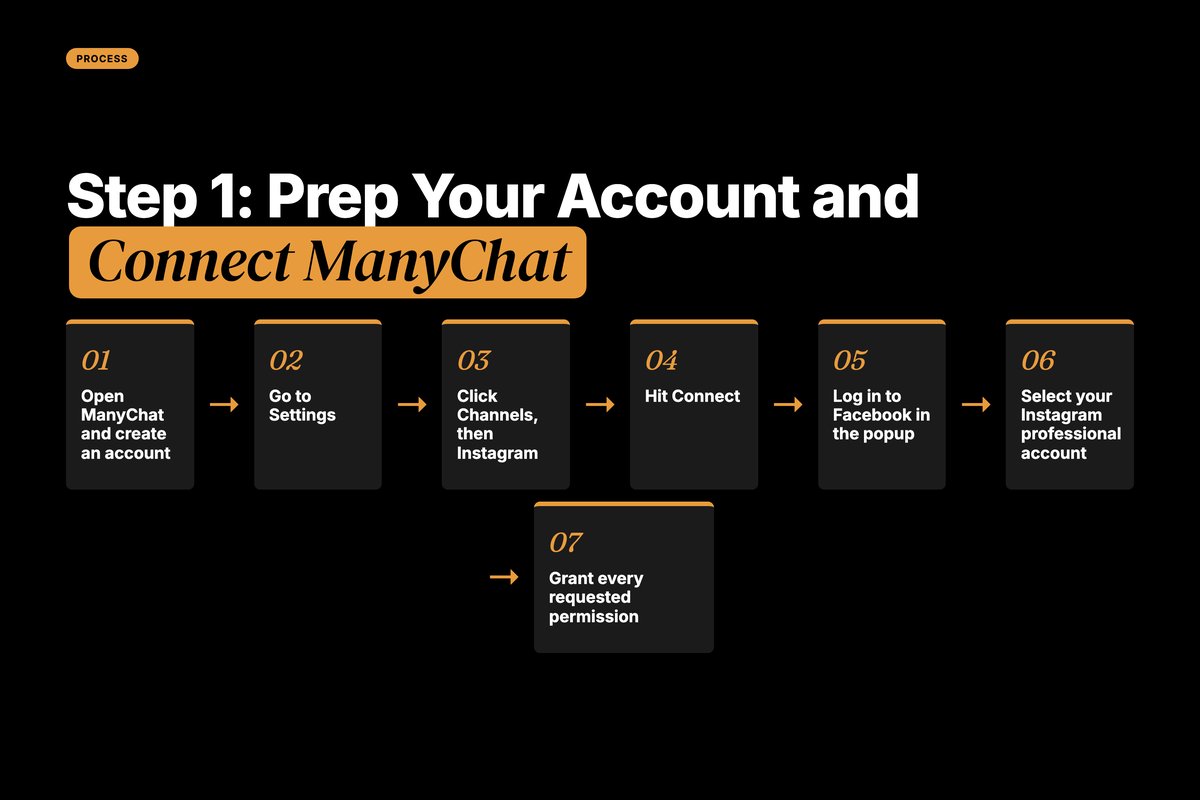
Here is the exact click-path for the standard setup.
- Open ManyChat and create an account.
- Go to Settings.
- Click Channels, then Instagram.
- Hit Connect.
- Log in to Facebook in the popup.
- Select your Instagram professional account.
- Grant every requested permission. Leave none toggled off.
Those permissions matter. ManyChat needs them to read profiles, send DMs, and detect comments (Source: CreatorFlow, 2026 — creatorflow.so).
If a permission is off, features break silently. Your flow will look fine but never fire. So toggle them all on.
Choose your connection method with care. Direct connect skips the Meta Business account. It is the fastest route. Meta Business Suite connect needs a linked Page and unlocks ad features (Source: SetSmart, 2026 — setsmart.io).
Q: Which ManyChat connection method should I pick?
A: For a solo creator, direct connect is fine and fast. For an agency or anyone running ads, use Meta Business Suite connect. It needs a linked Facebook Page but unlocks more power.
Step 2: Build Your First DM Flow
Now the fun part. You build the conversation.
A flow is a set of messages and actions. ManyChat calls each block a step. You drag, drop, and link them.
Start simple. A three-message welcome flow is plenty.
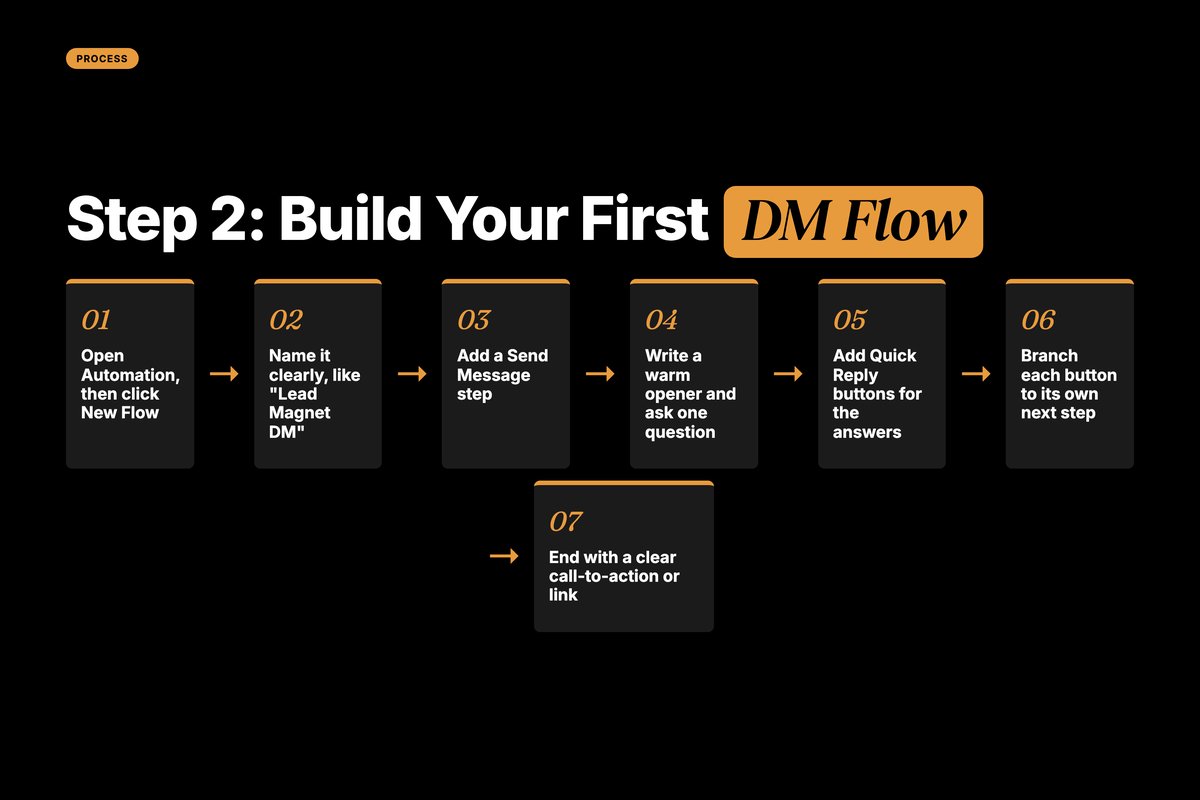
- Open Automation, then click New Flow.
- Name it something clear, like "Lead Magnet DM".
- Add a Send Message step.
- Write a warm opener. Ask one question.
- Add Quick Reply buttons for the answers.
- Branch each button to its own next step.
- End with a clear call-to-action or a link.
Keep messages short. One idea per bubble. Long blocks kill reply rates.
Use buttons to sort intent. A button click tells you what the person wants. That makes the next message relevant.
Here is a real example. Say you sell a course. Your opener asks one thing.
"Want the free lesson, or pricing?" Two buttons. Two paths.
The "free lesson" button sends the link. The "pricing" button sends a short pitch. Each person gets the right reply.
That branching is the whole point. One flow serves two intents. Neither feels generic.
Add a third path for the unsure. A "just browsing" button sends a soft follow-up. No pressure, just a nudge.
Relevance drives the result. Targeted DM funnels convert near 18%, while generic blasts stay under 5% (Source: Communipass, 2026 — communipass.com).
Add a delay between bubbles. A one or two second pause feels natural. Instant walls of text feel robotic.
Use the user's name when you can. ManyChat pulls it from the profile. A simple "Hey {first name}" lifts warmth.
Always add a fallback. If a reply makes no sense, send a gentle reset message. Then offer to connect a human.
Save the flow as a template once it works. You can clone it for the next campaign. That turns a 30-minute build into a 5-minute tweak.
Q: How many messages should my first flow have?
A: Keep it to three or four. Open with a hook, ask one question, then deliver value or a link. Short flows feel human. Long ones feel like spam and lose people fast.
Step 3: Add a Keyword or Comment Trigger
A flow does nothing until something starts it. That is the trigger.
Triggers are where Instagram DM automation earns its keep. Two types do most of the work.
The first is a comment trigger. Someone comments a word on your post. ManyChat sends them a DM. This is the classic "comment LINK and I will DM you" play.
The second is a keyword trigger. Someone DMs a specific word. The flow fires on that word.
Here is the comment trigger setup.
- Open your flow.
- Click the trigger area at the top.
- Choose Instagram Comments.
- Pick a post, or apply it to all posts.
- Add the keyword, like "GUIDE".
- Link it to your flow.
- Turn the automation live.
Comment triggers live even on the free plan (Source: ReplyRush, 2026 — replyrush.com).
Your caption does heavy lifting here. A clear caption CTA drives far more triggers than a vague one (Source: ReplyRush, 2026 — replyrush.com).
So tell people exactly what to comment. Spell out the word. Repeat it. Make it obvious.
Pin the instruction in your caption. Put it on the first line too. People skim, so lead with the ask.
You can also auto-reply to the public comment. ManyChat posts a quick "Check your DMs" reply. That nudge boosts open rates and looks responsive.
Keep keywords short and clear. One word beats a phrase. "GUIDE" works better than "send me the guide please".
Q: What is the difference between a keyword and a comment trigger?
A: A comment trigger fires when someone comments a set word on your post. A keyword trigger fires when someone DMs a set word. Comments grow your list from public posts. Keywords sort people already in your DMs.
Step 4: Respect the 24-Hour Messaging Window
This is the rule that breaks most beginners. Learn it now.
Meta opens a 24-hour window each time a user acts. You can message freely inside it. After 24 hours, the window closes (Source: KeyAPI, 2026 — keyapi.ai).
A "user action" means a comment, a DM, or a Story reply. Each one resets the clock.
Outside the window, the API blocks your promotional messages. Your flow will fail silently. No error popup for the user.
There is one extension. A human agent can reply up to 7 days after the last message. A bot cannot use that extension (Source: KeyAPI, 2026 — keyapi.ai).
So the handoff matters here too. When a lead goes cold, a person can still reach them. ManyChat tags that as a human reply. The bot stays out of it.
This is why DM funnels need a human layer. Automation handles the first day. People handle the rest of the week.
So design around the window. Capture intent fast. Deliver value inside the first day. Move the sale while the window is open.
Re-engagement keeps windows open. Ask a question that invites a reply. Every reply resets the 24-hour clock.
Plan broadcasts with care. Send them only to people who acted recently. A fresh action means an open window and a delivered message.
Compliance is not optional. The big rule is simple. You reply to action. You never cold-DM strangers (Source: CreatorFlow, 2026 — creatorflow.so).
Break that and you risk your account. Follow it and automation stays smooth for years.
Q: What happens if I message someone after 24 hours?
A: The Instagram API blocks the promotional message. It fails silently, so the user sees nothing. Only a human agent can reply, up to 7 days. Plan your flow to act inside the first day.
Step 5: Test, Then Go Live
Never ship a flow blind. Test it like a user.
A broken flow burns trust. And on Instagram, trust is the whole game.
Run this short pre-launch check before you publish.
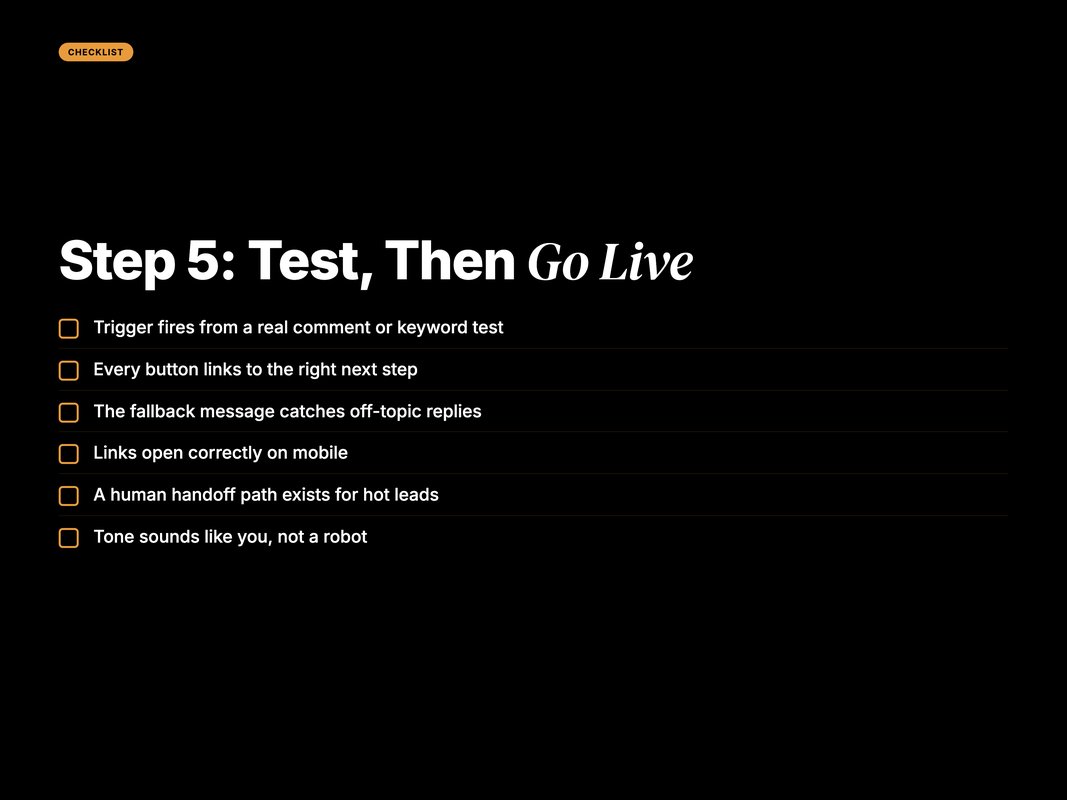
Pre-Launch DM Automation Checklist.
- Trigger fires from a real comment or keyword test.
- Every button links to the right next step.
- The fallback message catches off-topic replies.
- Links open correctly on mobile.
- A human handoff path exists for hot leads.
- Tone sounds like you, not a robot.
Test from a second account if you can. Comment the keyword. Watch the DM land. Click every button.
Then check your timing. The first reply should feel instant. Speed is the lever. Fast automated replies crush slow manual ones on conversion (Source: ReplyRush, 2026 — replyrush.com).
Once it works, flip the automation live. Watch the first day closely. Tweak the copy that loses people.
Q: How do I test a ManyChat flow before going live?
A: Use the preview tool, then test from a second Instagram account. Trigger the flow with a real comment or DM. Click every button. Confirm links work and the human handoff fires.
ManyChat Plans and What You Actually Need
You do not need to pay on day one. Start free.
The free plan handles keyword and comment-to-DM basics. After the March 2026 change, it caps active contacts tightly (Source: ReplyRush, 2026 — replyrush.com).
Most brands outgrow free fast. The list fills, and the cap bites.
Here is a simple pricing snapshot to plan around.
| Plan | Monthly price | Active contacts | Best for | |---|---|---|---| | Free | $0 | 25 | Testing one flow | | Essential | $14 | 250 | Solo creators | | Pro | $39 | 2,500 | Growing brands | | Business | $69 | 7,500 | Agencies and teams |
(Source: ReplyRush, 2026 — replyrush.com; Flowgent, 2026 — flowgent.ai)
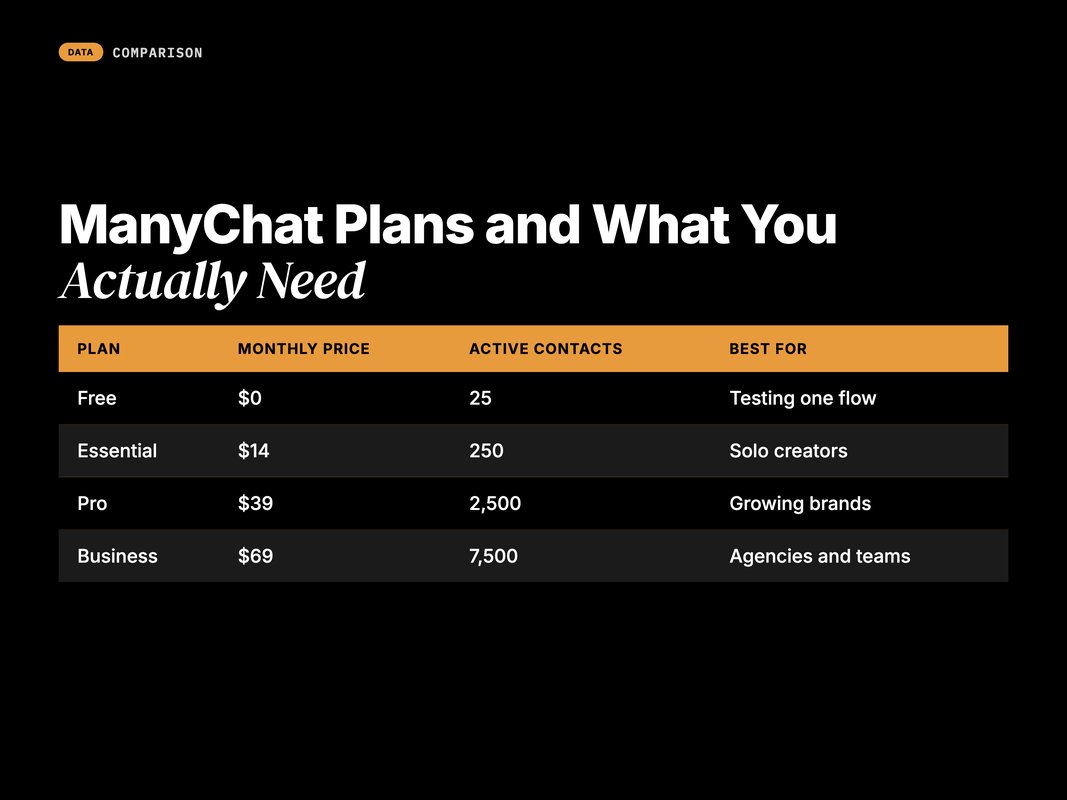
Watch the contact count. Pricing is contact-based, and old contacts still count unless you remove them (Source: ReplyRush, 2026 — replyrush.com).
One more note. ManyChat's AI step costs extra on top of your plan (Source: ReplyRush, 2026 — replyrush.com). You do not need it to start.
Q: Is the free ManyChat plan enough to begin?
A: Yes, for testing. It runs keyword and comment-to-DM flows. The active contact cap is tight after March 2026, though. Once your list grows, Pro near 39 dollars unlocks room and A/B testing.
How DM Automation Fits a Real Funnel
A flow is a tool. A funnel is the strategy.
Think in three stages. Capture, qualify, convert. ManyChat handles the first two beautifully.
Capture happens at the trigger. A comment or keyword brings the lead in. The DM opens the relationship. One post can pull in dozens of leads while you sleep.
Qualify happens in the buttons. Each click sorts intent. You learn what the person wants before you pitch. A "ready to buy" click is not a "just curious" click. Treat them differently.
Convert happens with the handoff. Hot leads go to a human or a checkout link. That is where DM funnels pay off. The automation warms the lead. The close stays human.
The numbers back this up. DM selling keeps growing as a channel into 2026 (Source: Jawab24, 2026 — jawab24.com).
Map each flow to one funnel job. Do not cram capture, qualify, and convert into one message. Split them across steps.
Tag people as they move. ManyChat lets you add a tag at any step. Use tags to segment later broadcasts. A "downloaded guide" tag is a future audience.
Keep the funnel reactive. Every step answers a user action. That keeps you inside the rules and inside the window.
Q: Can DM automation replace my whole sales team?
A: No. It replaces the slow, repetitive first replies. It captures and qualifies at scale. Humans still close the high-value deals. The best setup blends fast automation with a clean human handoff.
Watch for the common traps too. Most failed setups share the same few errors.
The first is cold outreach. New users try to DM cold lists. The API blocks it, and the account takes a hit (Source: CreatorFlow, 2026 — creatorflow.so).
The second is a vague caption. If people do not know what to comment, they do not comment. Spell the keyword out every time.
The third is robot tone. Stiff, formal copy kills reply rates. Write like you text a friend.
The fourth is ignoring the window. Brands queue a broadcast, then wonder why it never lands. It expired with the 24-hour window (Source: KeyAPI, 2026 — keyapi.ai).
The fifth is no human path. Some leads need a person. Always leave a "talk to a human" exit. Hot buyers will not wait on a bot.
Fix these five and your setup runs clean. Most issues trace back to one of them.
Q: Why is my ManyChat flow not sending messages?
A: Usually a permission is off, or the 24-hour window closed. Check that every Meta permission is granted. Confirm the user acted in the last day. Both are silent failures with no error popup.
Where YARD Fits
Setting up one flow is easy. Building a DM engine that scales is harder.
YARD is an AI-first growth marketing agency. We run Performance Marketing, LLM SEO, AI Creatives, and AI Funnels for brands across e-commerce, hospitality, real estate, healthcare, and B2B tech.
DM automation is one piece of our AI Funnels work. We connect Instagram triggers to your CRM, your ads, and your retention flows. The DM is not the finish line. It is the start of an owned relationship.
We have built comment-to-DM funnels that turn organic reach into qualified leads. We map each trigger to a clear next action. Then we measure the lift, not the vanity metric.
We also wire the data back. A captured contact flows into your CRM. The lead source is tagged. Your retargeting gets sharper because of it.
And we keep it compliant by design. Every flow stays reactive. Every broadcast respects the window. That protects the account while it scales.
The goal is simple. Capture intent fast. Qualify without friction. Hand the warm lead to a human at the right moment.
If your DMs feel like a missed channel, that is fixable. We can map your Instagram automation against the same funnel logic we run for growing brands.
Follow along for more platform breakdowns like this one. We publish the playbooks we actually use.
Conclusion
ManyChat Instagram DM automation is one of the fastest wins in social.
You connect your account in minutes. You build a flow in under an hour. A keyword or comment trigger turns reach into leads.
The rules are simple once you know them. Reply to action. Stay inside the 24-hour window. Never cold-DM a stranger.
Start with one flow. Test it from a second account. Then watch it work while you sleep.
The brands winning on Instagram are not posting more. They are answering faster. ManyChat makes that automatic.
Pick one post this week. Add a comment trigger. Watch the leads roll in.
Then build from there. Add a keyword flow. Add a human handoff. Each step compounds.
Ready to turn your DMs into a real funnel? Follow YARD for more platform intel, and map your first flow this week.
FAQ
Q: Is ManyChat Instagram DM automation against Instagram's rules?
A: No. ManyChat is an official Meta partner. It uses the approved Instagram API. The rules are strict, though. You can only reply after a user acts first. You cannot cold-DM people who never engaged with your account.
Q: Do I need a paid ManyChat plan to start?
A: No. The free plan supports basic keyword triggers and comment-to-DM flows. It caps active contacts after the March 2026 change. Most brands upgrade to Pro near 39 dollars per month once volume grows.
Q: What account type do I need for ManyChat Instagram automation?
A: You need an Instagram Business or Creator account. For full features, link it to a Facebook Page. The simpler direct connect works too, but it limits some advanced automations.
Q: What is the 24-hour messaging window?
A: It is Meta's core rule. You can message a user for 24 hours after their last action. After that, the window closes. A human agent can extend the reply to 7 days, but bots cannot send during that window.
Q: Can I send promotional broadcasts to my whole list?
A: Only inside the 24-hour window. Outside it, Meta blocks promotional broadcasts. You can still send approved message tags for non-promotional updates. Build a daily re-engagement habit to keep windows open.
Q: How long does ManyChat Instagram setup take?
A: The account connection takes about two to three minutes. A first working flow takes 20 to 30 minutes. Comment and keyword triggers are the fastest wins. Test in your own DMs before you go live.
Insights from Our Experts
Explore our latest articles on digital marketing strategies.